MCP servers for issue and time tracking: 8 compared, and which can log hours
Eight MCP servers for issue and time tracking compared: who maintains each, hosted or local, how it signs in, and which can log hours.
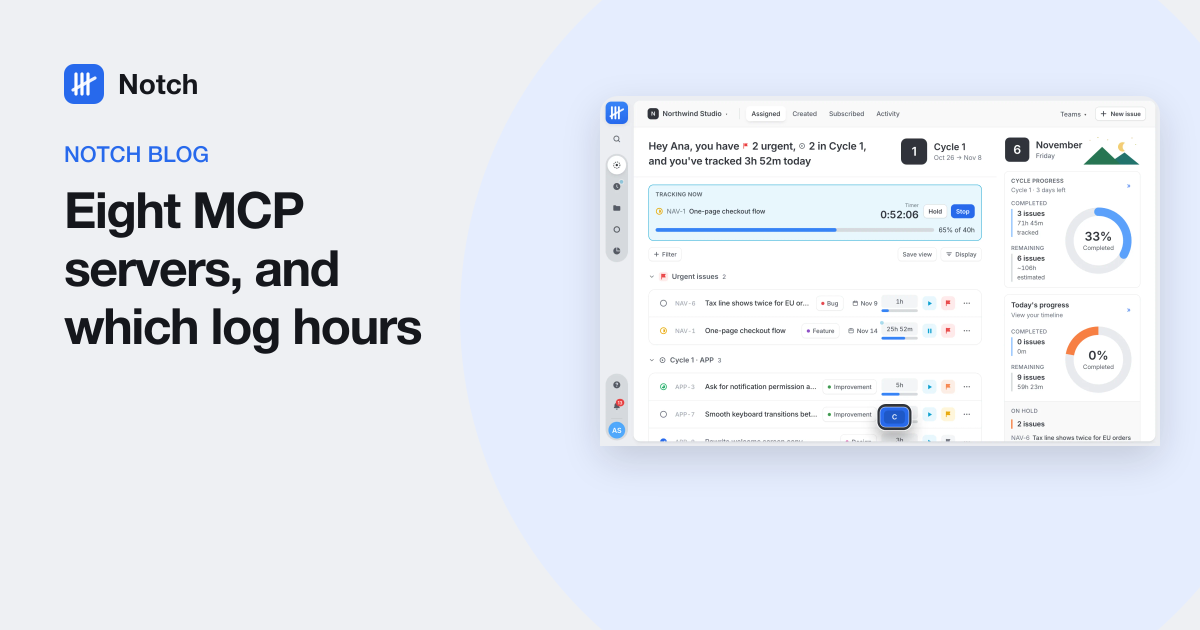
Short answer: for MCP server time tracking, the official servers from Atlassian (for Jira), ClickUp, YouTrack, Plane, Harvest and Notch all have a documented tool to log time. Linear's and GitHub's official servers manage issues but cannot log hours, since neither product tracks time. Most of the eight are hosted by the vendor and sign in with OAuth or a token; GitHub's and Plane's can also run on your own machine.
The Model Context Protocol (MCP) lets a client such as Claude Code, Cursor or VS Code call tools that another product offers. For issue trackers that means reading and updating issues from the editor. For time, it means the small chore at the end of a task, "log 45 minutes on this", can happen where you already are. We compared eight servers on four questions: who maintains it, whether it is hosted or local, how it authenticates, and whether its docs show a tool that logs time. Everything here comes from each vendor's own docs or repository, as of November 2026.
The 8 servers, side by side
| Server | Maintained by | Hosted or local | Auth | Logs time |
|---|---|---|---|---|
| Atlassian Rovo MCP Server (Jira) | Atlassian | Hosted | OAuth 2.1 or API token | Yes, Jira worklogs |
| Linear MCP | Linear | Hosted | OAuth 2.1 or API key | No |
| GitHub MCP Server | GitHub | Hosted or local | OAuth, personal access token or GitHub App | No |
| ClickUp MCP | ClickUp | Hosted | OAuth only | Yes, timers and entries |
| YouTrack MCP | JetBrains | Built into your YouTrack site | OAuth or permanent token | Yes, log_work |
| Plane MCP Server | Plane | Hosted or local | OAuth, token or API key | Yes, work logs |
| Harvest MCP | Harvest | Hosted | Your Harvest account | Yes, timers and entries |
| Notch MCP | Notch | Hosted | OAuth (your Notch sign-in) | Yes, timers, entries, timesheet |
Issue trackers whose MCP servers log time
1. Atlassian Rovo MCP Server (Jira and Confluence)
Atlassian's hosted server lives at mcp.atlassian.com/v2/mcp and covers Jira, Confluence, Jira Service Management and more. It signs in with OAuth 2.1, or an API token for headless use. Its supported tools list includes addOrEditJiraIssueWorklog, which logs time on a work item or edits an existing worklog, and listJiraIssueWorklogs to read them back. Atlassian notes that some tools use Rovo credits. The docs describe it for Atlassian Cloud only. For how worklogs behave in Jira itself, see our guide to Jira time tracking.
2. ClickUp MCP
ClickUp hosts its server at mcp.clickup.com/mcp, on all plans, with OAuth only: no API keys. The tool list has six time tools: start and stop a timer, add a time entry by start and end or duration, get the running entry, and read entries for one task or across tasks, filtered by date, assignee or billable status. Without ClickUp's AI add-on, calls are capped per rolling 24 hours, from 100 a day on Free Forever upward.
3. YouTrack MCP
JetBrains built the server into YouTrack itself from version 2025.3, on Cloud and Server. The endpoint is your site's address plus /mcp, and on Cloud an administrator turns it on first. It accepts OAuth, where each person approves access with their own account, or a permanent token in a header. Its tool list includes log_work, which adds a work item to an issue with a duration and, optionally, a date, work type and description.
4. Plane MCP Server
Plane's official server is open source (MIT). You can use the hosted endpoint with OAuth or a personal access token, or run it locally with uvx plane-mcp-server stdio and an API key, and point it at a self-hosted Plane with PLANE_BASE_URL. Its 30 tools take an action each; the work_log tool can list, create, update and delete work logs. Plane lists time tracking as a Pro feature, so check your plan.
5. Notch MCP
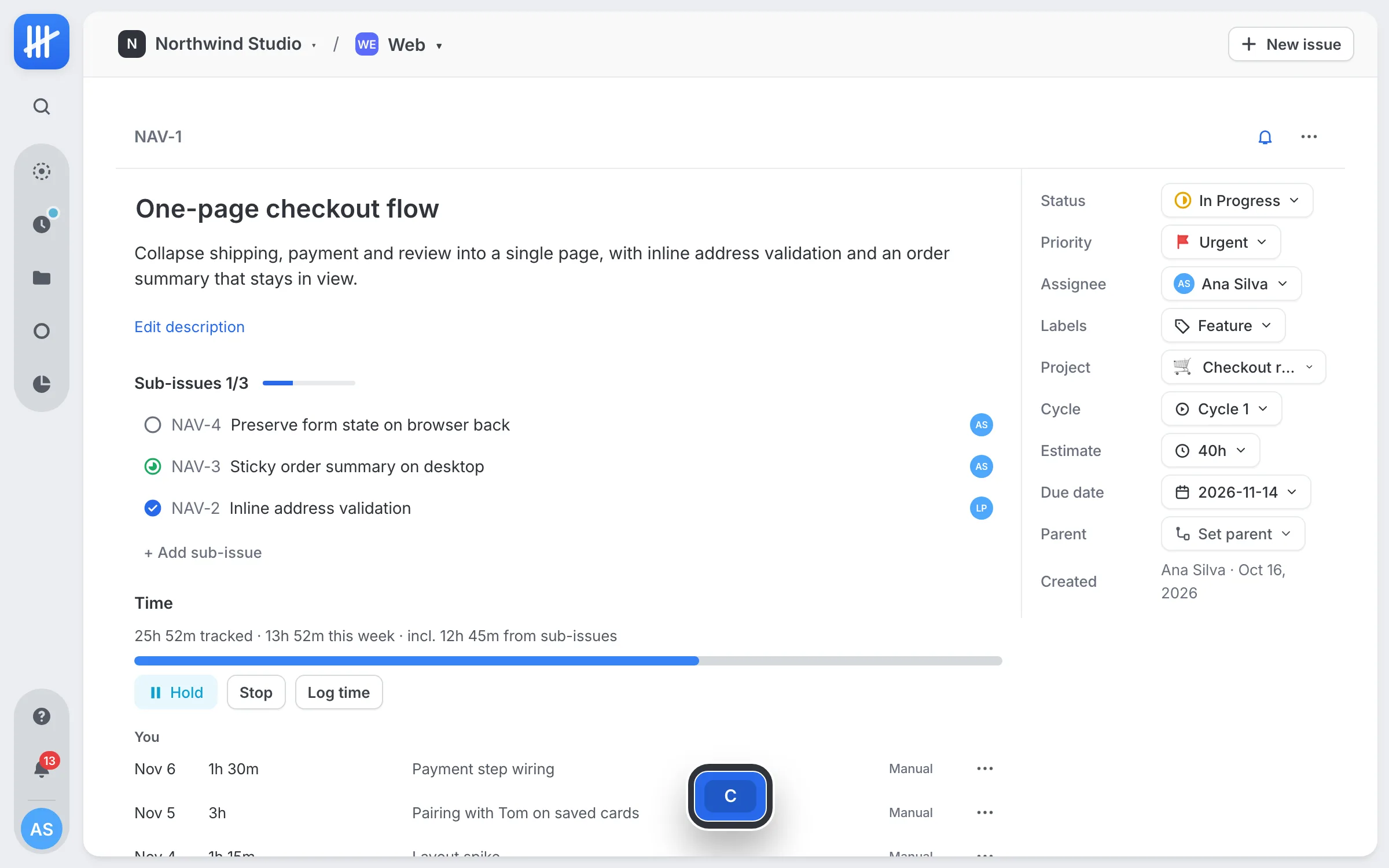
Ours, so weigh this one accordingly. Notch's server is at https://app.notchhq.app/mcp and offers 35 tools across workspaces, issues, comments, projects, cycles, timers, time entries, the timesheet, the time report and the inbox. A client can start and stop your timer, log an entry, edit one, read and set your timesheet and run the report. Any workspace member connects by signing in to Notch with OAuth, and the client acts with that member's own role. There are no delete tools and no admin tools, and every change shows in the issue's activity under your name. The full walkthrough is in the Notch MCP server post.
Issue trackers with no time tools
6. Linear MCP
Linear hosts its server at mcp.linear.app/mcp, with a separate read-only endpoint. It signs in with OAuth 2.1, or takes an OAuth token or Linear API key as a bearer header. Its docs cover finding, creating and updating issues, projects, comments and documents. There is nothing about time, because Linear has no time tracking; our guide to Linear time tracking covers the workarounds.
7. GitHub MCP Server
GitHub's server runs remotely at api.githubcopilot.com/mcp/ or locally from a Docker image or a binary, and works with GitHub Enterprise Server too. It accepts OAuth, a personal access token or a GitHub App. Toolsets cover repositories, issues, pull requests, projects, Actions, security alerts and more. No time tools: GitHub has no time tracking to expose.
A time tracker's MCP server
8. Harvest MCP
Harvest offers a hosted server at api.harvestapp.com/mcp. Its help article covers adding it to Claude, Claude Code and Cursor. A client can log past time, start a timer, edit an entry's hours, notes, project, task or date, delete entries and review entries for a date range. It acts with your own Harvest permissions, so you can change your own time but not other people's. Harvest is a time tracker, not an issue tracker: pair it with one of the servers above if the client should also move the issue.
Community servers
Many products have community MCP servers too. We left them out of the eight because the maintainer is an individual, not the vendor. One example: for Redmine, the community redmine-mcp-server (by GitHub user jztan) runs locally with pip, uvx or Docker, uses a Redmine API key, and has manage_time_entry and list_time_entries tools. If you use one, give it a key with the least access your tracker allows, and check that the repository is still maintained.
Choosing an MCP server for time tracking
- Stay on your tracker. The best server is usually the one for the tool your team already uses. If that is Jira, ClickUp, YouTrack or Plane, time logging is there.
- On Linear or GitHub? Their servers won't log hours. Add Harvest's server if Harvest is your time tracker, or look at a tracker with time built in.
- Check what a token can do. A client acts as you. Prefer read-only endpoints, narrow scopes and servers without delete tools when you are trying one out.
Questions people ask
Which MCP servers can log time?
Of the eight compared here, six have a documented tool for it: Atlassian's Rovo MCP Server (Jira worklogs), ClickUp, YouTrack, Plane, Harvest and Notch. Linear's and GitHub's servers have no time tools, because neither product tracks time.
Is the Atlassian MCP server available for Jira Data Center?
Atlassian's developer docs for the Rovo MCP Server describe it for Atlassian Cloud apps, at mcp.atlassian.com, and don't mention Data Center. Data Center teams usually look at community servers that call the Jira REST API.
What is the difference between a hosted and a local MCP server?
A hosted server runs at the vendor, and your client connects to a URL with OAuth or a token. A local server runs on your machine, usually started by the client over stdio with an API key in its environment, which also lets it reach self-hosted instances.
Are community MCP servers safe to use?
They can be, but you are trusting the author with an API key that can usually do whatever your account can. Read the code or at least the tool list, prefer a key with the narrowest permissions the product offers, and check the repository is still maintained.