How to track time on Linear issues: every option compared
Linear has no built-in time tracking. Here are the ways teams add it (Everhour, Harvest, Toggl Track, spreadsheets, or a tracker with time built in) and how to choose.
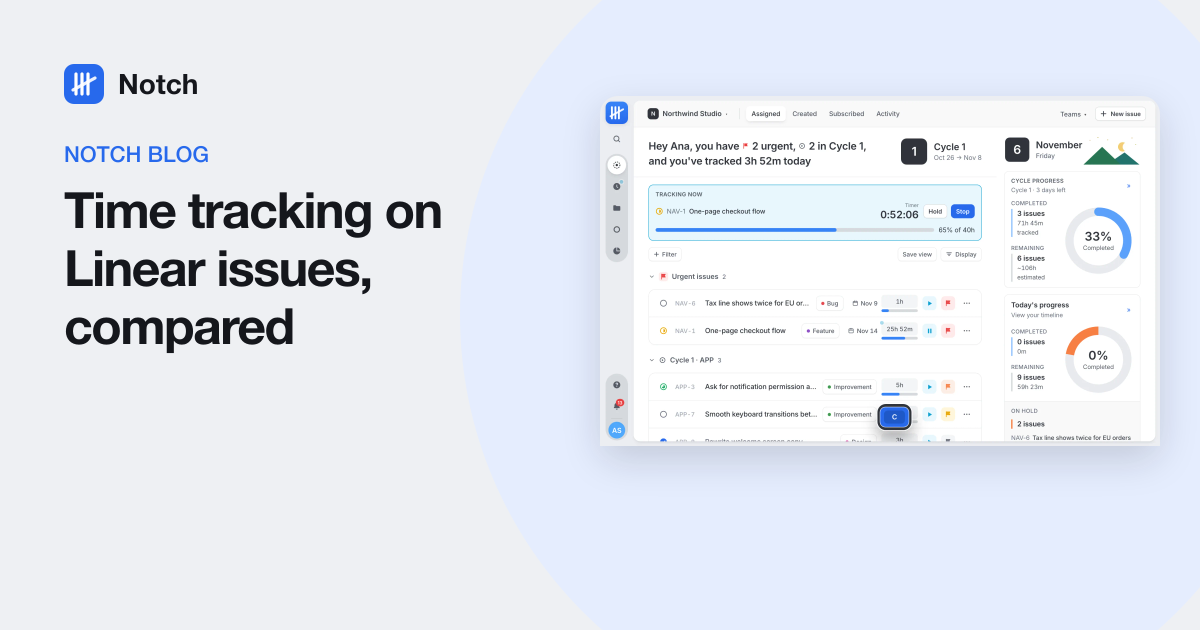
Short answer: Linear has no built-in time tracking; its estimates are points, not hours. To track time against Linear issues you can add a time tracker that puts a timer inside Linear through a browser extension (Everhour or Harvest), log time in a separate tracker without the link (Toggl Track, Clockify or a spreadsheet), or use an issue tracker with time tracking built in (Notch).
Linear is a fast, well-made issue tracker. It is also, by design, not a time tracker. If your team bills clients by the hour, reports on effort, or just wants to know whether last cycle's estimates were honest, you need hours somewhere. This guide compares the ways to get them, as of November 2026.
What Linear gives you out of the box
- Estimates in points. Linear offers exponential, Fibonacci, linear and t-shirt scales. They size work relative to other work. They are not hours, and Linear does not convert them.
- Cycle and project progress. Based on issue counts and points, not time spent.
- No timer and no timesheet.
So "how many hours did this take?" has no answer inside Linear alone.
The options, side by side
| Option | Timer inside Linear | Hours on the issue | Extra tool and seat | Best for |
|---|---|---|---|---|
| Everhour | Yes, via browser extension | Shown by the extension | Yes | Teams that want estimates and budgets in hours next to Linear |
| Harvest | Yes, a Start timer button in the issue sidebar (browser only) | Entries link back to the issue | Yes | Teams that invoice from their time tracker |
| Toggl Track, Clockify | Check their current integration list | Only if you name the issue yourself | Yes | People who already use them for everything else |
| A spreadsheet | No | Only if you type the issue key | No | Very small teams, short projects |
| Notch | Not a Linear add-on: it replaces Linear with time built in | Yes, with an estimate bar | No, one tool | Teams that want issues and hours in one place |
Option 1: Everhour
Everhour connects to your Linear workspace and, with its browser extension installed, places time controls next to Linear issues: a timer, manual entries and estimates in hours. You only pay Everhour seats for the people who track time. Reports, budgets and timesheets live in Everhour.
Watch for: everyone needs the extension running in the browser they work in, and your reports live in a second tool.
Option 2: Harvest
Harvest's browser extension adds a Start timer button to the properties sidebar of each Linear issue, and each time entry links back to the issue. Harvest remembers the project and task you used last time for that issue. Its strengths are invoicing and expenses.
Watch for: Harvest's own help article says the Linear integration does not work in the Linear desktop app, and projects and tasks must be set up in both tools (or synced with something like Zapier).
Option 3: A separate tracker without the link
Toggl Track, Clockify and similar tools can track time while you work in Linear, but unless their extension supports Linear for you, the connection is whatever you type into the description. That is fine for personal records and weak for "hours per issue" reports.
Option 4: A spreadsheet
Honest and free. It also depends entirely on people remembering, and it never knows an issue was renamed, moved or closed.
Option 5: An issue tracker with time built in
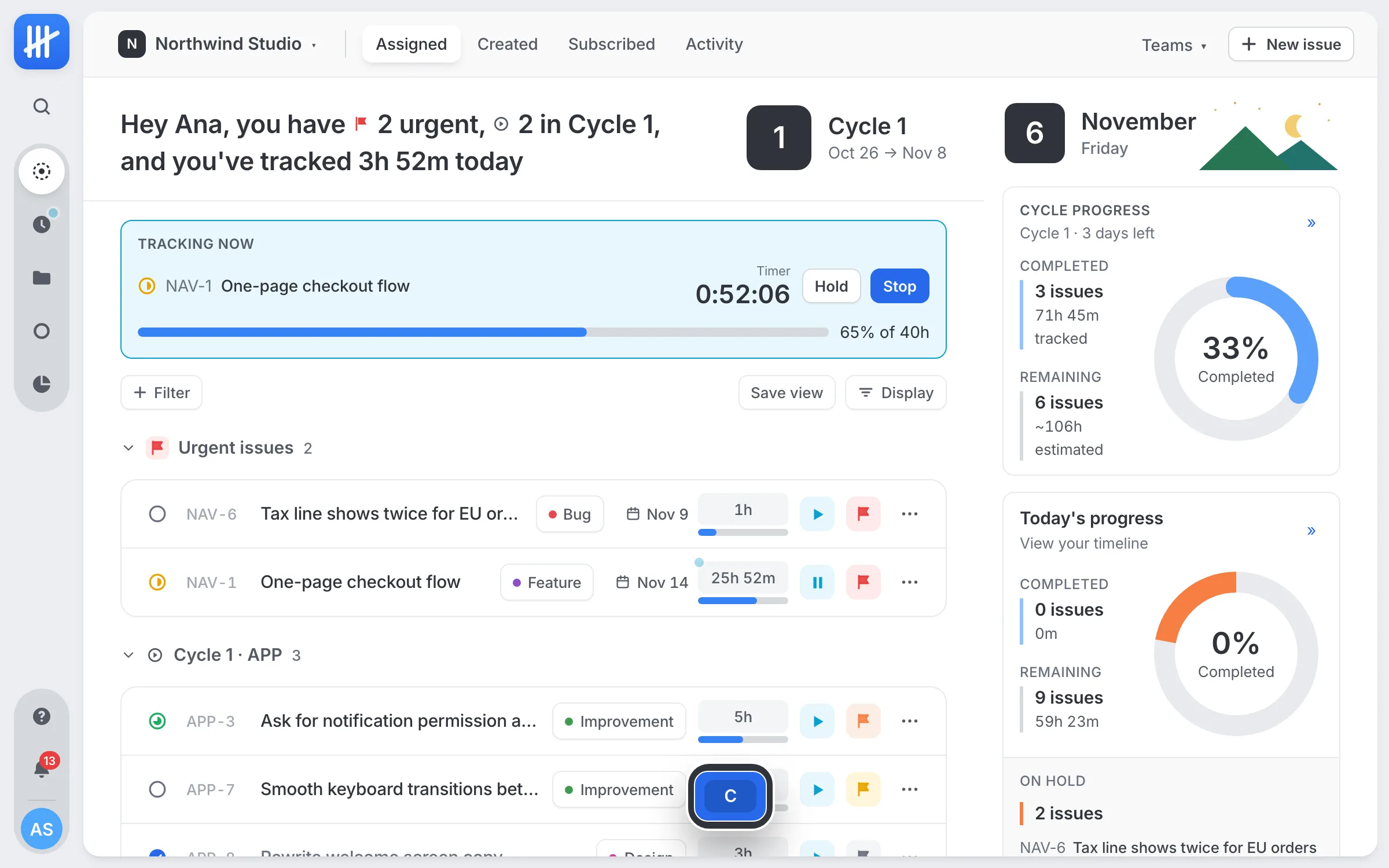
The other route is to stop joining two tools. In Notch, every issue has a timer (press T), an estimate in hours and a bar that fills as time is tracked. The timesheet builds itself from the timers people ran, and reports group hours by person, issue, team, label, project or cycle. Notch also imports your Linear issues and your Everhour hours, so history comes with you.
How to choose
- Happy with Linear and only need hours for a few people? Add Everhour or Harvest to Linear.
- Invoicing is the main job? Harvest.
- Estimates against actual hours matter in planning? Everhour, or a tracker with time built in.
- Paying for two tools for everyone, and tired of the gap between them? Move to one tool that does both.
Whichever you pick, track against the issue, not just the project. "Forty hours on the client portal" starts an argument; "eleven hours on the checkout timeout, estimated at six" starts a useful conversation.
Questions people ask
Does Linear have built-in time tracking?
No. Linear has estimates, but they are effort points (exponential, Fibonacci, linear or t-shirt sizes), not hours, and there is no timer. Teams that need hours add a separate time tracker or use a tool with time tracking built in.
What is the best time tracker for Linear?
Everhour and Harvest both add a timer inside Linear through a browser extension and link each entry back to its issue. Everhour leans toward estimates and budgets per project; Harvest leans toward invoicing. If you want hours on the issue itself without a second tool, use a tracker with time built in, such as Notch.
Can you convert Linear points to hours?
Not reliably. Linear does not define a conversion, and a point means different amounts of time on different issues. Keep points for planning if you like them, and track real hours separately for billing and reporting.
Does time tracking in Linear work in the desktop app?
Extension-based trackers run in the browser. Harvest's documentation says its Linear integration is not supported in the Linear desktop app, so people who work there need the browser or a separate timer.