We replaced Linear and Everhour with one tool: 686 issues and 2,433 hours, moved in a day
How our agency moved every issue and logged hour from Linear and Everhour into one tool, what we checked before switching, and what we would do differently.
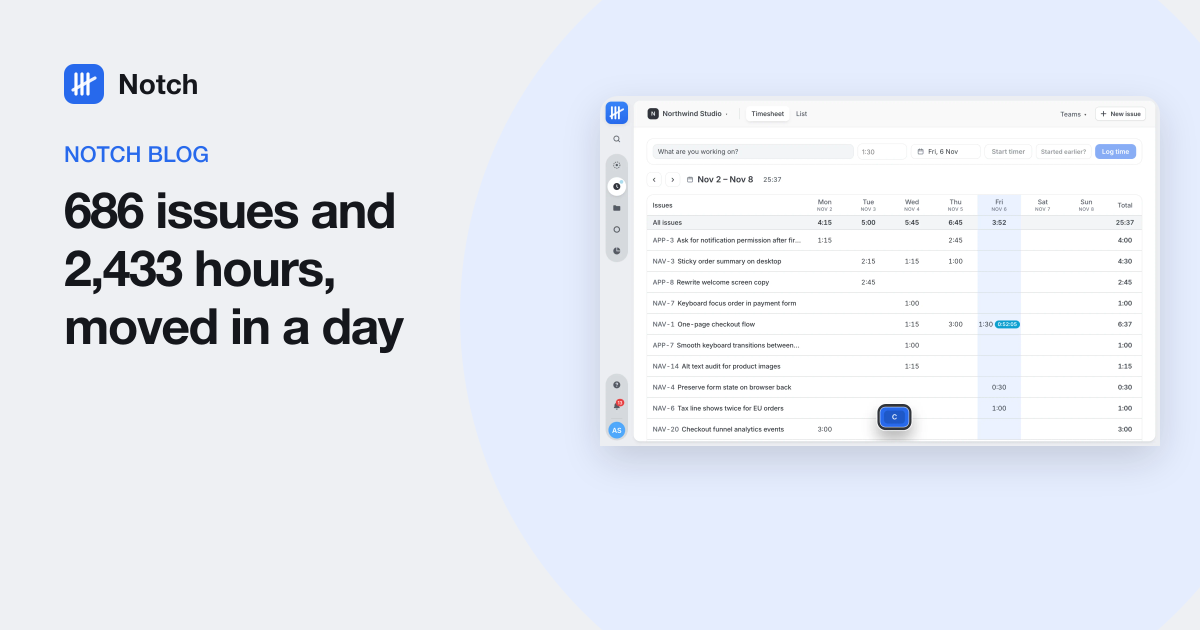
Short answer: we moved 686 issues, 157 comments, 76 cycles and 1,143 time entries (2,433 hours in all) from Linear and Everhour into Notch in a single day. The import took about twenty minutes. The rest of the day went on checking that every number matched before anyone switched.
We are a small software agency. For years our work lived in Linear and our hours lived in Everhour, joined by a browser extension that put a timer next to each Linear issue. It worked, mostly. But it meant two subscriptions, two places to look, and a weekly round of "did you log your time against the right issue?"
So we built Notch, an issue tracker with time tracking built into every issue, and moved ourselves onto it. This is how the move went, with the real numbers.
Why two tools stopped working for us
Nothing was broken. The problems were small and constant:
- Estimates and hours lived apart. Linear estimates are points. Our clients pay for hours. Comparing the two meant exporting from both tools.
- The timer depended on an extension. If someone's browser extension was off, or they worked from the Linear desktop app, the time went unlogged or landed on the wrong issue.
- Reports needed two exports and a spreadsheet. "How many hours did this project take, and against which issues?" should be one click.
- We paid twice per person. Every developer needed a seat in both tools.
What we moved
Here is everything that came across, as counted by the import's own reconciliation report:
| What | From | Moved |
|---|---|---|
| Teams | Linear | 3 |
| Issues (with states, labels, priorities) | Linear | 686 |
| Sub-issue links and relations | Linear | 144 and 9 |
| Comments | Linear | 157 |
| Projects and cycles | Linear | 6 and 76 |
| Attachments | Linear | 252 of 255 |
| Time entries | Everhour | 1,143 |
| Hours logged | Everhour | 2,433 |
The three attachments that stayed behind were over 25 MB. Everything else matched its source exactly, down to the second for logged time.
How the switch went, step by step
1. A dry run first
The importer reads everything from Linear and Everhour, maps it, and reports what it would do without writing anything. It also saves a recording of what it read, so the real run uses exactly the same data. Our dry run surfaced the things worth a decision before anything moved.
2. Sorting out people
People are the fiddly part of any migration. Our dry run found three cases:
- One person, two emails. A teammate had tracked time in Everhour under a personal address and worked in Linear under the company one. We mapped one to the other so all of her history sits on one account.
- Active teammates who had not signed in yet. The importer places them as members who have not joined. Their issues and hours are already credited to them, and the invite they accept later attaches to that same account.
- Former teammates. They come across as deactivated members, so their old work keeps its author and nobody needs a seat.
3. The real import
About twenty minutes. Issues keep their keys (an issue that was FII-142 is still FII-142), and new issues continue the numbering from where Linear stopped, so old links in commit messages and chat still make sense.
4. Checking the totals
This is the step we would never skip. The import writes a reconciliation report comparing counts in the source with counts in Notch: issues per team and state, comments, relations, cycles, time entries and total seconds. Ours matched everywhere except the three oversized files.
5. Inviting the team
Each person gets an email invite. When they accept, they land in a workspace that already holds their issues, their comments and every hour they ever logged.
What changed after the switch
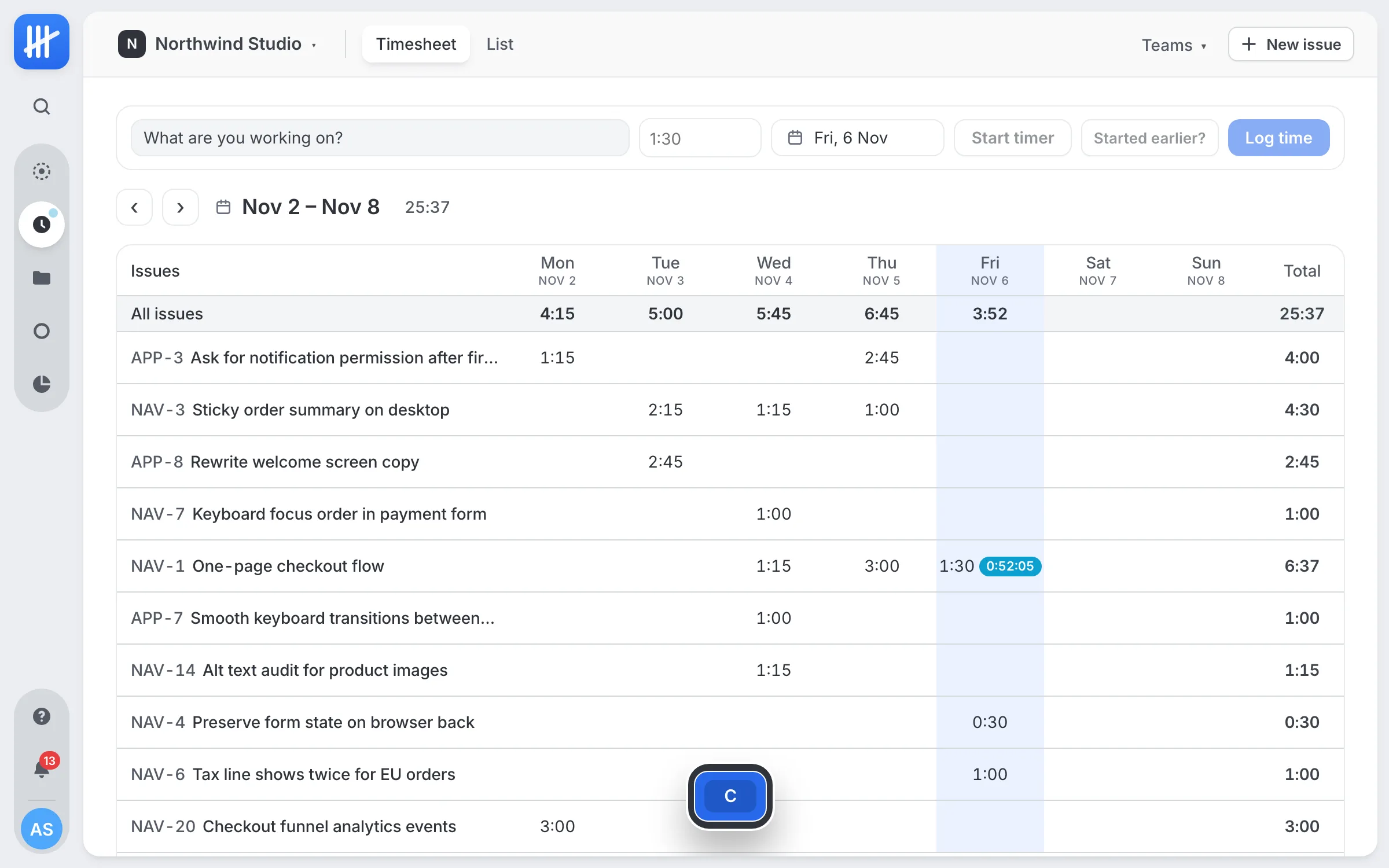
- The timer is on the issue. Press T on any issue and the clock runs. No extension, and it works on a phone.
- Estimates are in hours. Every issue shows an estimate bar filling up with tracked time, so "are we over?" is visible in the list.
- One report answers the client question. Hours by person, issue, team, label, project or cycle, compared with estimates, exported as CSV.
- One seat per person.
What we would do differently
- Clean up people in the source first. Duplicate accounts are easier to merge before the move than after.
- Pick a quiet afternoon. Freeze changes in the old tools for the hour of the import so nothing is created mid-run.
- Keep the old tools read-only for a few weeks. Not because anything was missing, but because people like to check.
If your team runs Linear next to a time tracker and the gap between them costs you a little every week, that gap is what we built Notch to close.
Questions people ask
Can you move Linear issues and Everhour time into one tool without losing history?
Yes, if the import carries the links between them. Everhour records which Linear issue each entry belongs to, so an importer can attach every logged hour to the issue it was tracked on. We moved 686 issues and 1,143 time entries this way, and the totals matched to the second.
How long does it take to switch from Linear and Everhour?
The import itself ran in about twenty minutes for us. The whole switch took a day: a dry run, fixing the people who appear under two emails, the real import, checking the totals, and inviting the team.
What does not come across when you leave Linear?
Integrations and automations you set up in Linear stay behind, and files above the size limit need attaching by hand. In our case three attachments over 25 MB were the only thing left out.
Why not keep Everhour's Linear integration?
It works, but the hours still live in a second tool with its own seats, its own reports and a browser extension everyone has to keep running. We wanted the estimate and the hours on the issue itself, in one place the whole team already opens.