How software agencies track billable hours against their work
A practical system for small dev agencies: track time on the issue, estimate in hours, review weekly, and report to clients from the same place the work happens.
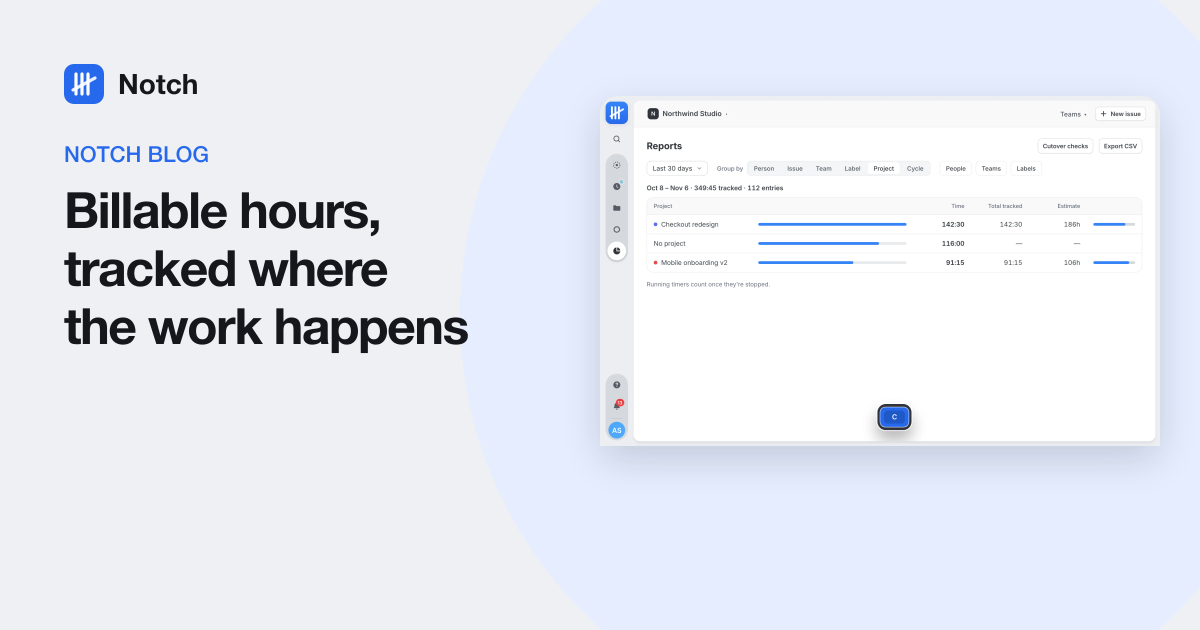
Short answer: track every hour against the issue it was spent on, estimate those issues in hours, review the timesheet weekly, and build client reports from the same data. When time lives where the work lives, billing stops being a monthly reconstruction.
Small software agencies run on two numbers: what the work will take, and what it took. Most agencies we know keep those numbers in different tools, or in nobody's tool at all until invoice day. Here is the system we use at our own agency, and the habits that make it stick.
1. Track against the issue, not the project
"32 hours on Client Portal" is a number. "9 hours on the checkout timeout, estimated at 4" is information. Tracking at the issue level lets you:
- answer "why did this cost more?" with specific work, not a shrug;
- see which kinds of work you consistently underestimate;
- split one month's hours across features, sprints or change requests when the client asks.
2. Estimate in hours, even if you also use points
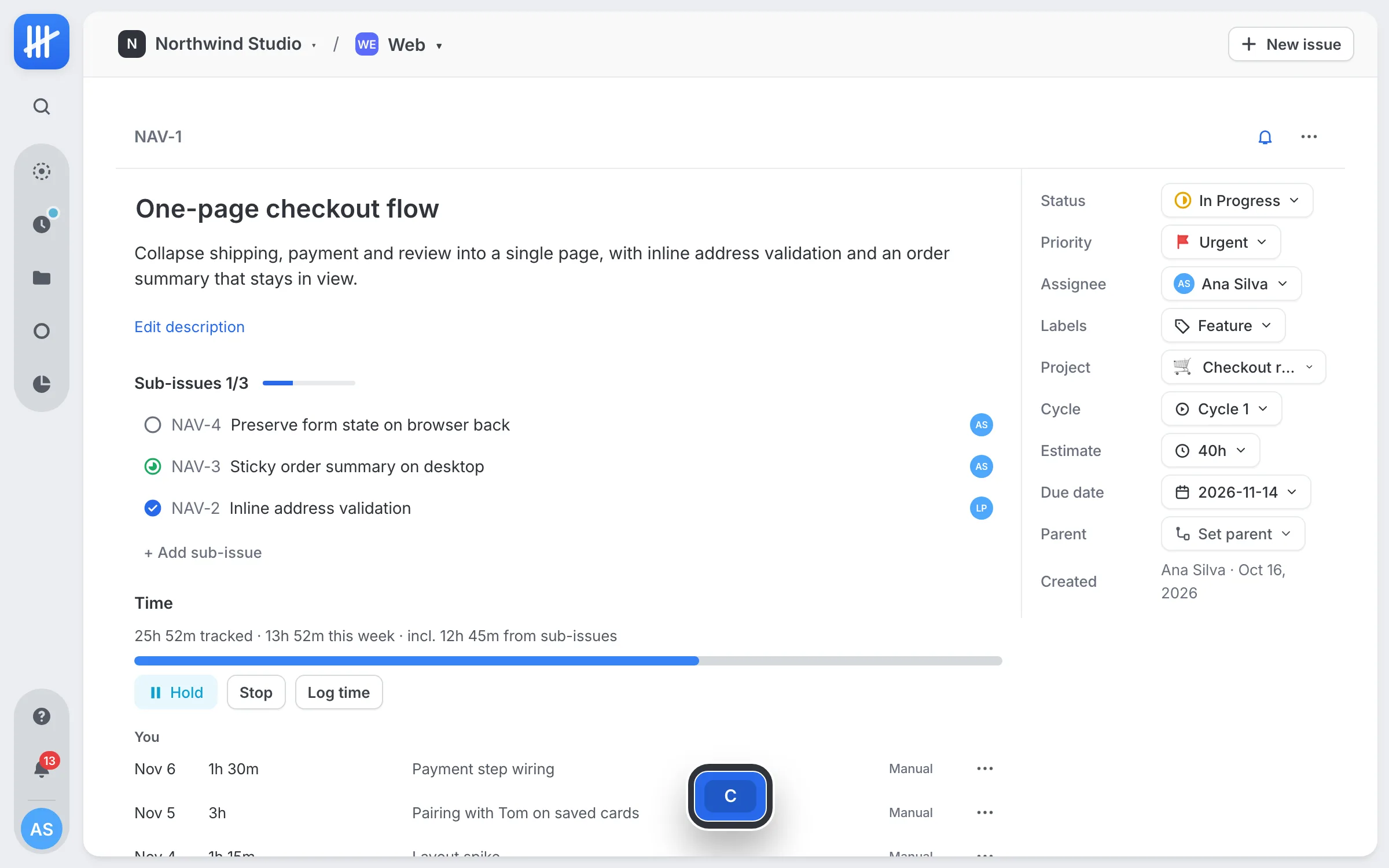
Points are good for relative sizing in planning. Clients do not pay in points. Put an hour estimate on anything billable, and keep it visible next to the tracked time. The comparison is the point: an issue at 150% of estimate halfway through is a conversation to have this week, not at the invoice.
3. Make the timer the easy path
People log time accurately when it costs nothing. That means:
- One keystroke from the work. Starting a timer should happen where the issue is open, not in another tab.
- One running timer per person. Starting a new one stops the last, so time never double counts.
- An automatic stop. Everyone forgets a timer overnight eventually. Stopping it at a sensible cap (we use 8 hours) saves the awkward correction.
- Editable entries. Meetings, calls and forgotten starts still need to be added by hand.
4. Review the week before anyone else sees it
Every Friday, each person checks their own timesheet: the week by issue and day. Gaps are obvious ("Thursday is empty"), and fixing them takes a minute while the week is fresh. A reminder at the end of the week does more for data quality than any policy document.
5. Report from the same data
Client reports should come from the tool the team already works in, grouped the way the client thinks:
| Client asks | Group hours by |
|---|---|
| "What did we pay for this month?" | Project, then issue |
| "How did the sprint go?" | Cycle, with estimate against actual |
| "Who worked on it?" | Person |
| "How much was bug fixing?" | Label |
Export to CSV for invoicing, and keep the issue titles in the export. A line that says what the hours bought is the line clients do not question.
6. Keep cycles honest
If you run sprints, roll unfinished work into the next cycle instead of quietly extending dates, and compare the cycle's estimate with what was tracked. After three or four cycles you have your own data on how optimistic the team is, which is worth more than any estimation technique.
Putting it in one place
You can run this system with an issue tracker plus a time tracker joined by an extension, and many agencies do. We built Notch because we wanted it in one tool: issues, cycles and projects, with a timer, hour estimates, a timesheet and reports on the same data. Whichever tools you use, the habits above are what make the hours trustworthy.
Questions people ask
How should a software agency track billable hours?
Track time against the specific issue being worked on, not just the client or project. Estimate issues in hours, run a timer while you work, review the week's timesheet every Friday, and build client reports from the same data.
Should developers use timers or log time at the end of the day?
Timers are more accurate; end-of-day logging tends to round and forget context switches. A good compromise is timers by default, an automatic stop for forgotten timers, and editable entries for the rest.
How do you stop developers forgetting to log time?
Make the timer one keystroke from the work itself, stop forgotten timers automatically, and send a reminder at the end of the week to check the timesheet before it is reported to a client.
What should a client time report include?
Hours per issue or feature, grouped by project or sprint, with the estimate beside the actual. Clients trust a report that shows where the hours went more than a single total.